
Do I need to pay for Claude Code?
Yes. Claude Code needs a paid Claude plan, like Pro. The free plan does not include it. Visual Studio Code and Python are free.
I use Google Analytics cookies to count visits and see which pages help you. The data may go to Google in the USA. It only runs if you allow it, and you can change this any time in Cookie settings.
Sponsored by
Windows and Mac
8,500+ members
Claude Code runs inside Visual Studio Code. Both are the same on Windows and Mac.
Windows
Run the installer with the default options.
Mac
Open the .dmg and drag the app into Applications.
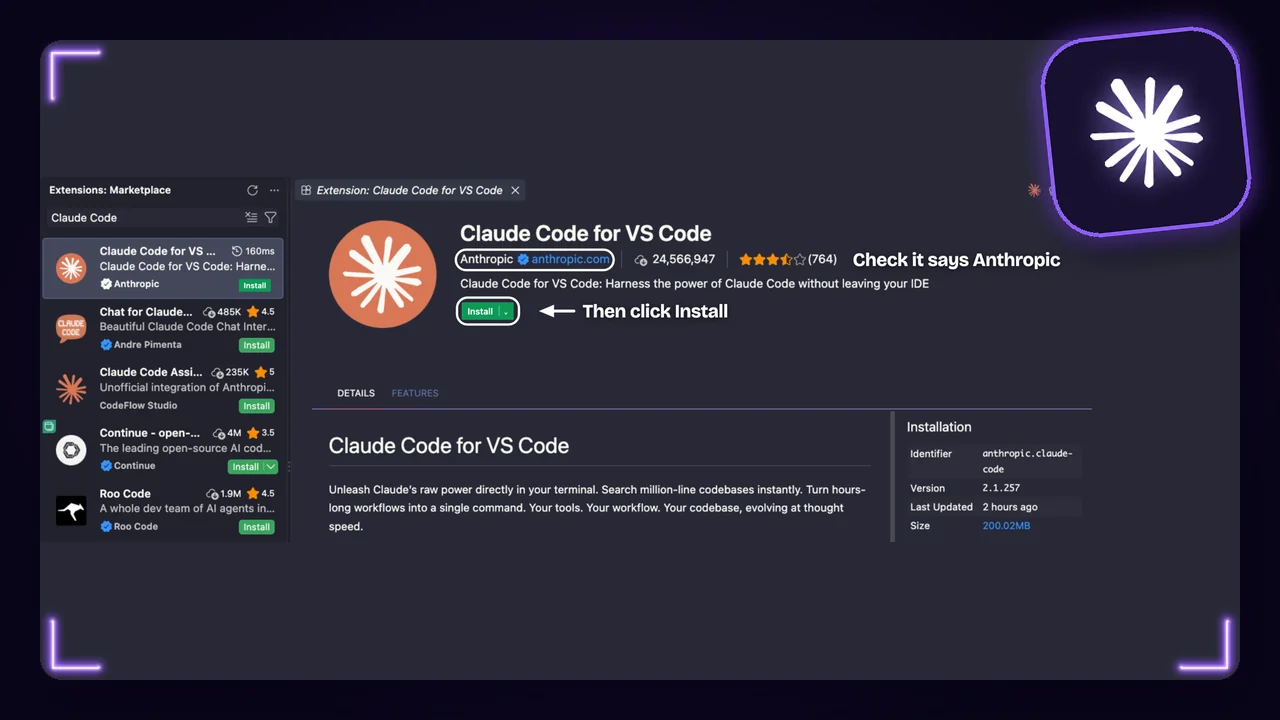
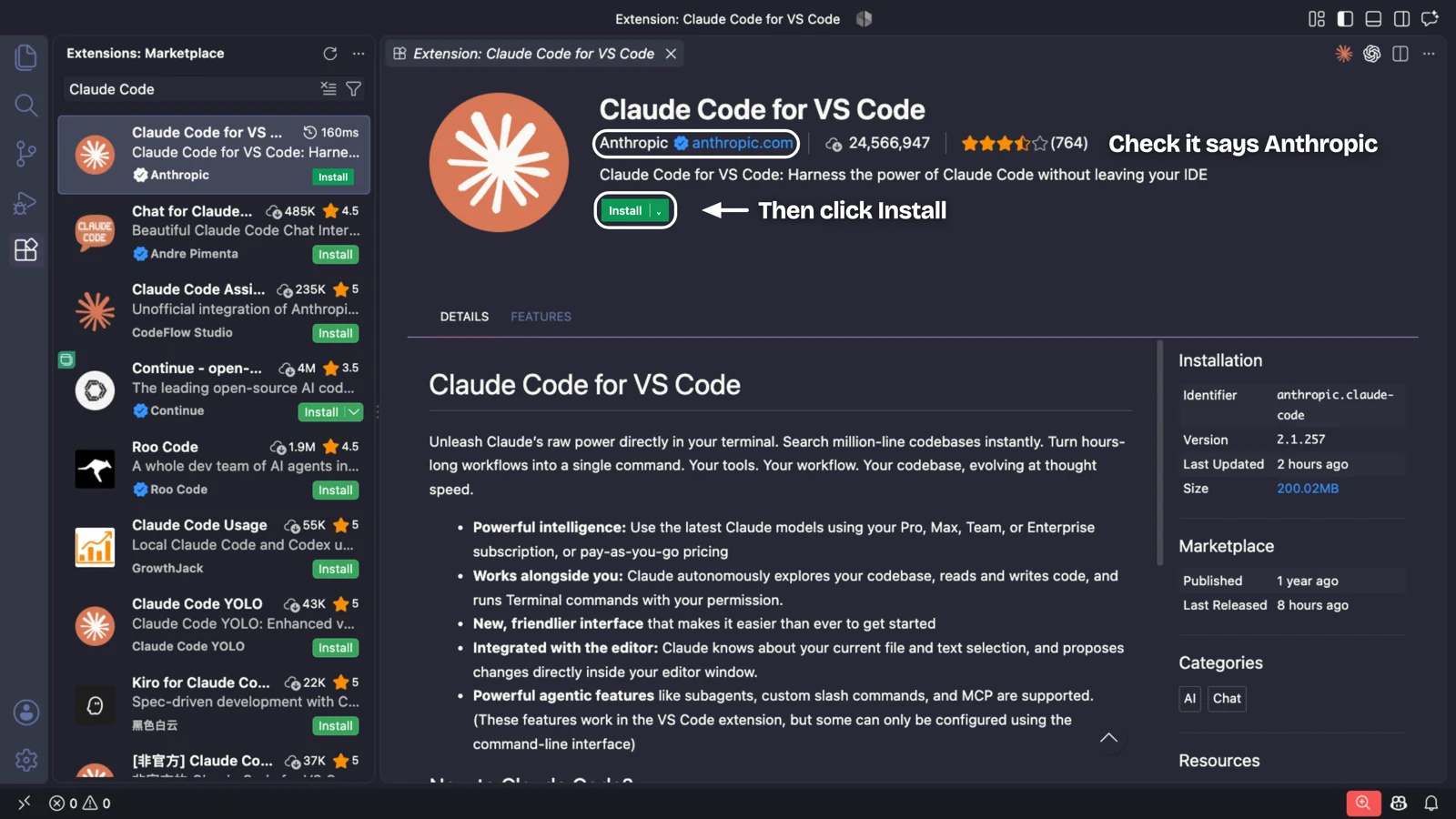
Click the Extensions icon on the left and search Claude Code. Check that the publisher is Anthropic, then click Install.
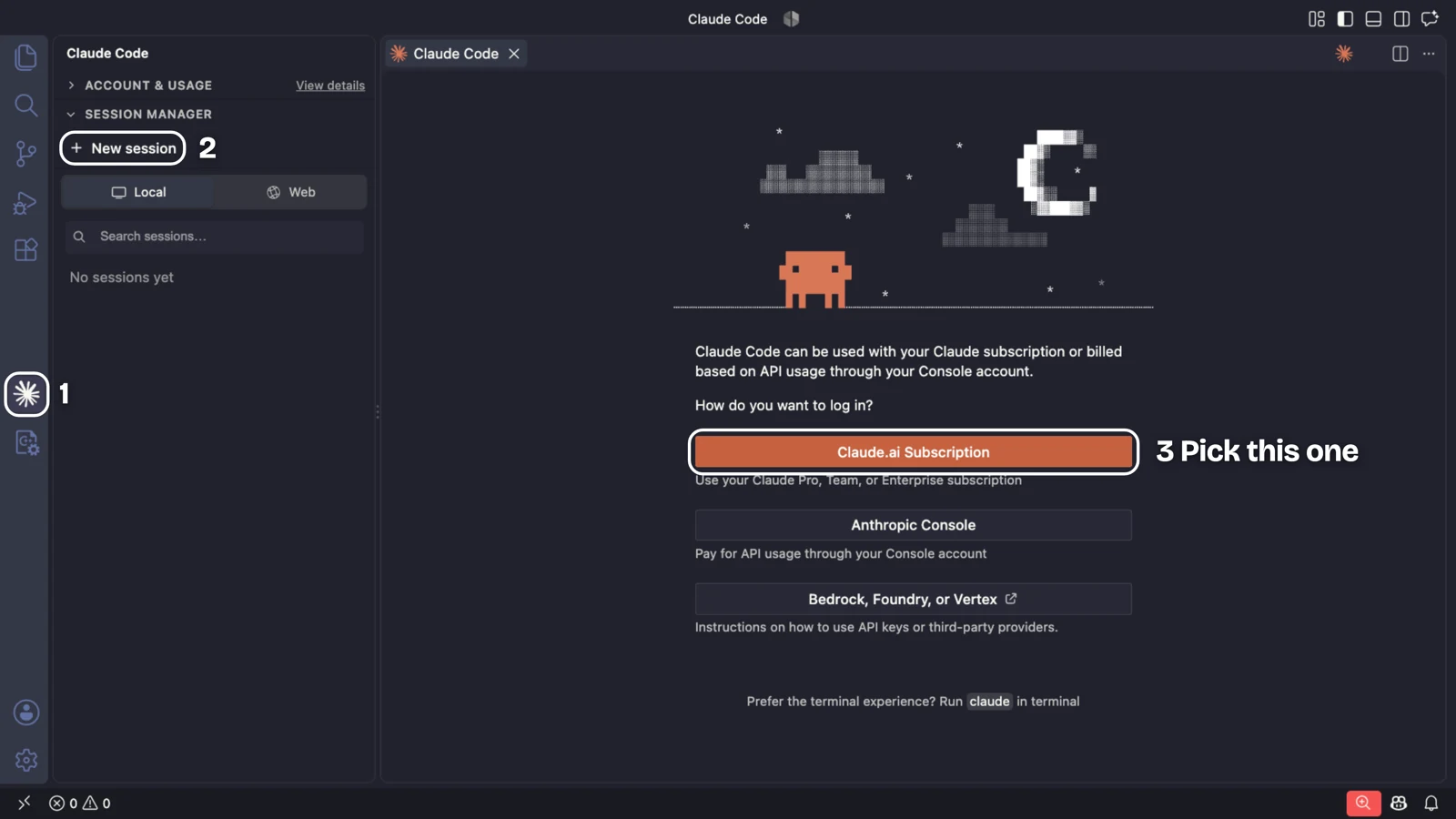
Click File, then Open Folder, and pick an empty folder for your project, like ai-project. Click the spark icon on the left, then New session, then Claude.ai Subscription.
Your browser opens. Click Authorize and go back to Visual Studio Code.
Claude Code needs a paid Claude plan. The free plan does not include it.
Pro is enough for the course and for your own projects. Max, Team and Enterprise work too.
The pipeline of the course runs on Python 3.11 or newer, because DuckDB 2.0 needs it. Claude installs DuckDB itself, in the project.
Windows
Click the link under the yellow button.
Mac
Click the yellow button. The Python that comes with the Mac is too old.
Mac
Open the downloaded .pkg file. Click Continue on each screen, then Agree and Install.
Enter your Mac password when it asks.
Close Visual Studio Code and open it again, so it sees the new Python. The internet stays on: Claude Code works online, and the setup downloads the Python packages and, the first time, the DuckDB UI.
DuckDB does not install
DuckDB 2.0 needs Python 3.11 or newer. Install Python from python.org, restart Visual Studio Code, and let Claude create the project's .venv again.
The pipeline cannot write the database
The DuckDB UI still has it open. Close the DuckDB UI, then run the pipeline again.
"'python' is not recognized" on Windows
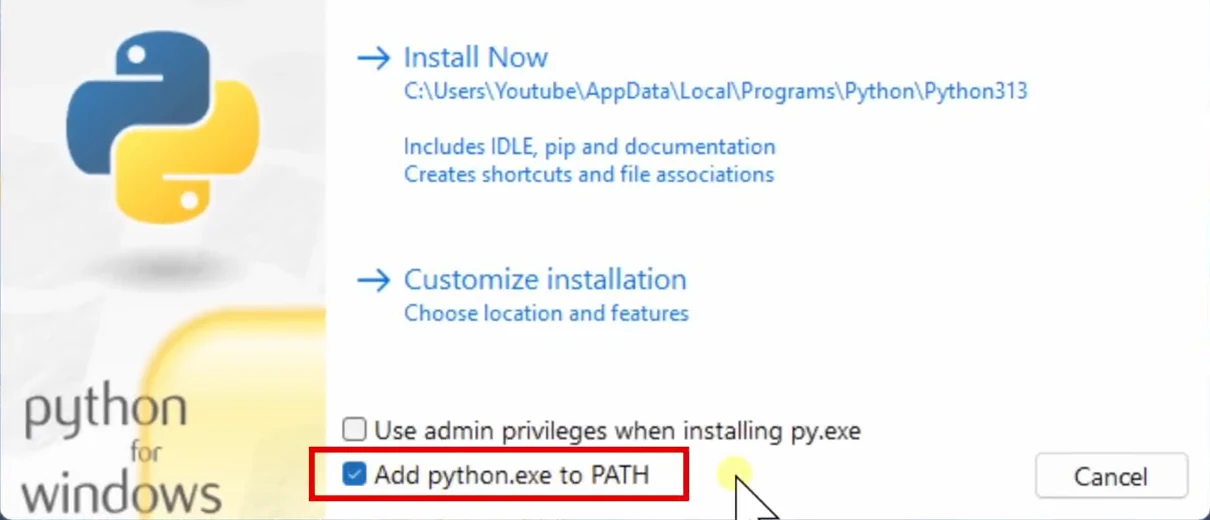
Run the Python installer again: Modify, Next, tick Add Python to environment variables, Install. Then open a new terminal.
The commands fail on Windows
Where a command says .venv/, write .venv\Scripts\python.
Claude does not see the new skills
Run Developer: Reload Window from the command palette, or close Visual Studio Code and open it again.
I cannot find the .claude folder on a Mac
Finder hides it. Press Cmd + Shift + . to show it, or use the Explorer of Visual Studio Code.
Claude went the wrong way
Go back to the point before its edit: press Esc twice, or type /.
Yes. Claude Code needs a paid Claude plan, like Pro. The free plan does not include it. Visual Studio Code and Python are free.
Yes. Claude Code runs inside Visual Studio Code, the same on both. The setup guide on this page shows every step.
No. Claude writes the code. Reading SQL and Python helps you check what it builds.
In the course. Claude Code for Data Engineering gives you my specs, my finished project and every prompt I typed.
Yes, on LinkedIn Learning. Claude Code for Data Analysis builds a repeatable analysis workflow with skills, quality checks and validation.

The full courses with sketches, projects and a certificate. One payment per course, no subscription.
Join academy
Join 214,000+ curious readers learning to think like data experts. Get weekly lessons, stories, and frameworks from real projects.