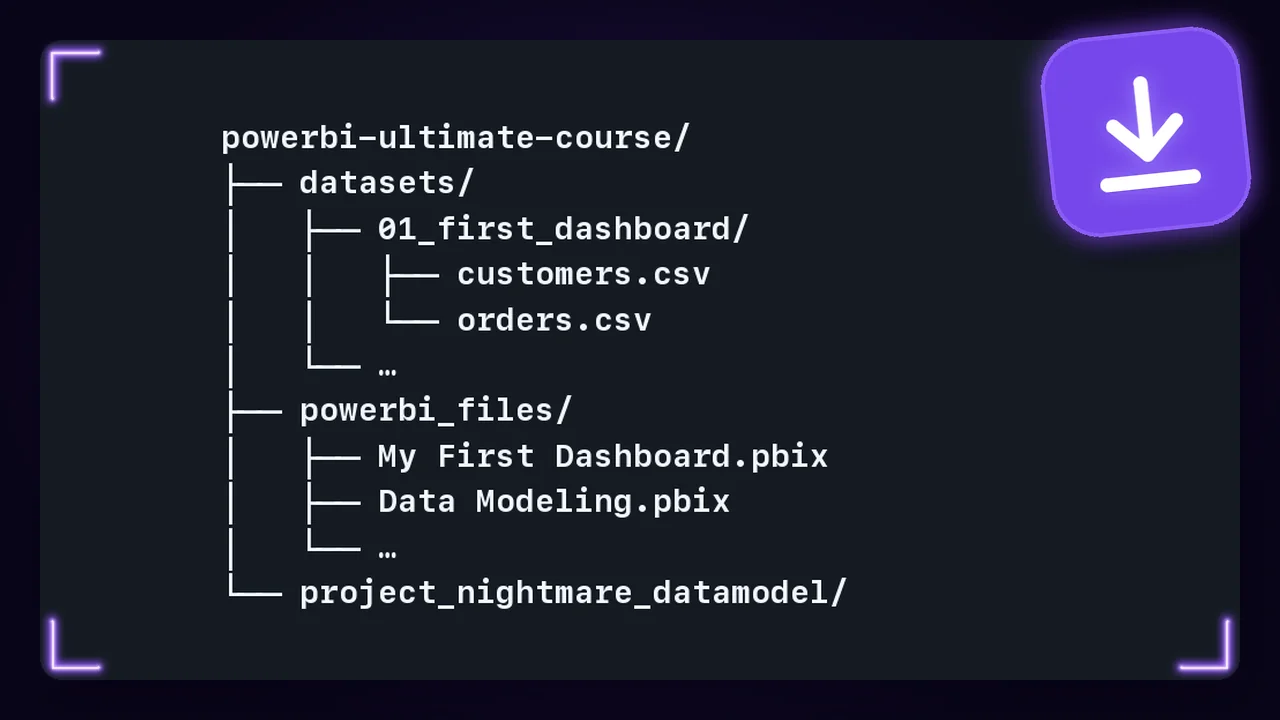

What is in the download?
Everything the lessons use. The practice datasets as CSV files and the Power BI report file of every lesson.
I use Google Analytics cookies to count visits and see which pages help you. The data may go to Google in the USA. It only runs if you allow it, and you can change this any time in Cookie settings.
Windows and Mac
8,400+ members
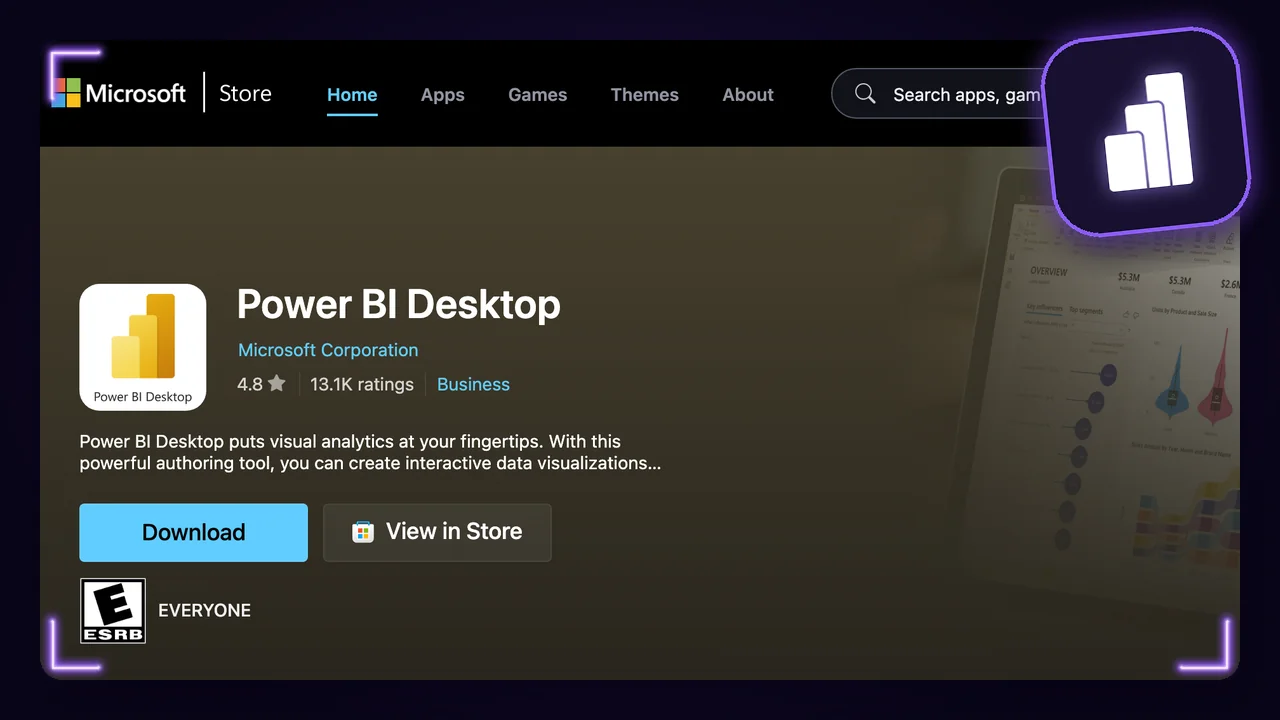
Open the Microsoft Store, search Power BI Desktop and click Get. The Store keeps it up to date.
No Microsoft Store on your computer? Download it from Microsoft's download page instead.
Power BI Desktop runs only on Windows. Install Parallels Desktop: it downloads and installs Windows 11 for you in a few clicks. Parallels costs about 100 dollars a year, with a 14-day trial, and Windows needs its own licence.
Start Windows in Parallels and pick Windows at the top of this guide. From here on, you set up Power BI Desktop like any Windows user.
Unzip the download and move the folder out of Downloads, for example to Documents.
In Power BI Desktop, click Get data > More, then File > Text/CSV and Connect. Open datasets/ and click Load.
The report of every lesson is in powerbi_files. Double-click a .pbix file, or use File > Open report in Power BI Desktop.
Power BI does not accept your Gmail address
Signing in needs a work or school account. You need it only for the lessons on the Power BI service: reports on your computer work without it.
A report says it was made with a newer version
Update Power BI Desktop to the latest version.
A visual says "Error fetching data for this visual"
A known issue on Windows with an Arm chip, like Windows in Parallels on a Mac. Parallels' guide has the workarounds.
Everything the lessons use. The practice datasets as CSV files and the Power BI report file of every lesson.
Yes. Use the files to learn and to build your own reports.
Power BI Desktop. It is free and runs on Windows. The setup guide on this page shows every step.
Not directly. Power BI Desktop runs only on Windows, so on a Mac you need Windows in a virtual machine. The setup guide shows how.

Join the academy to learn visually, build real projects, and grow into the data professional you want to become.
Join academy
Join 213,000+ curious readers learning to think like data experts. Get weekly lessons, stories, and frameworks from real projects.