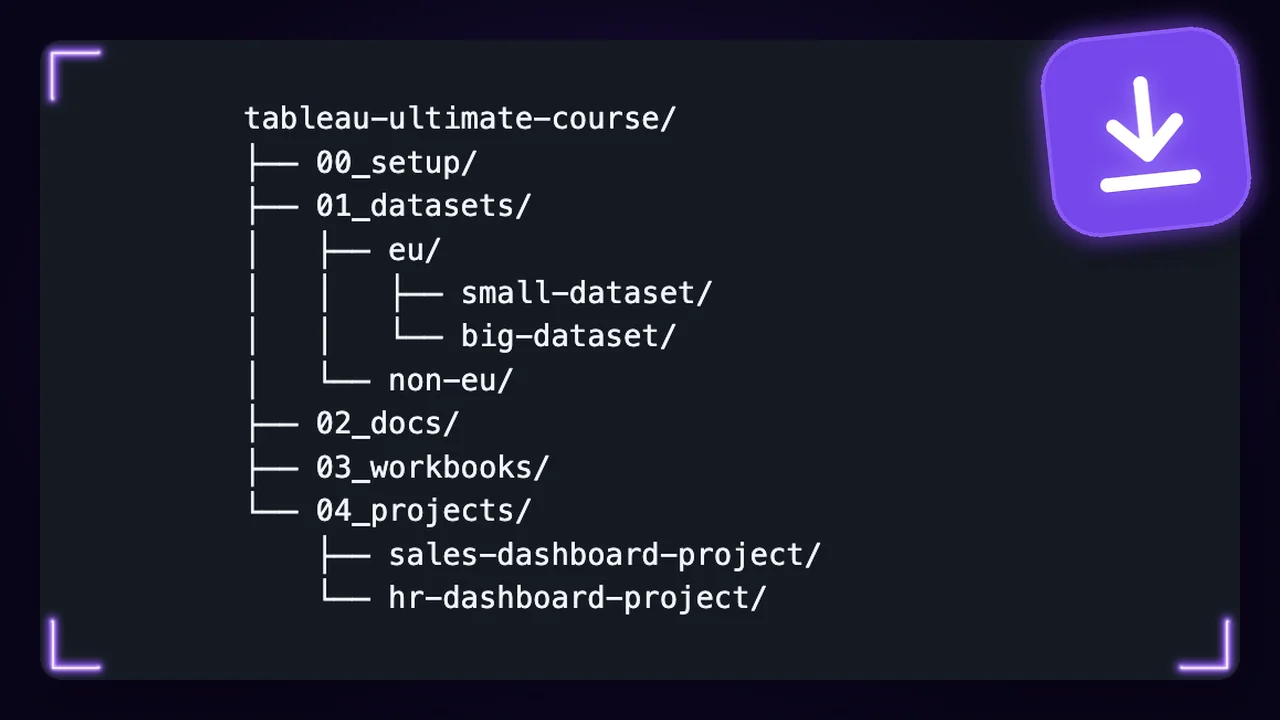


What is in the download?
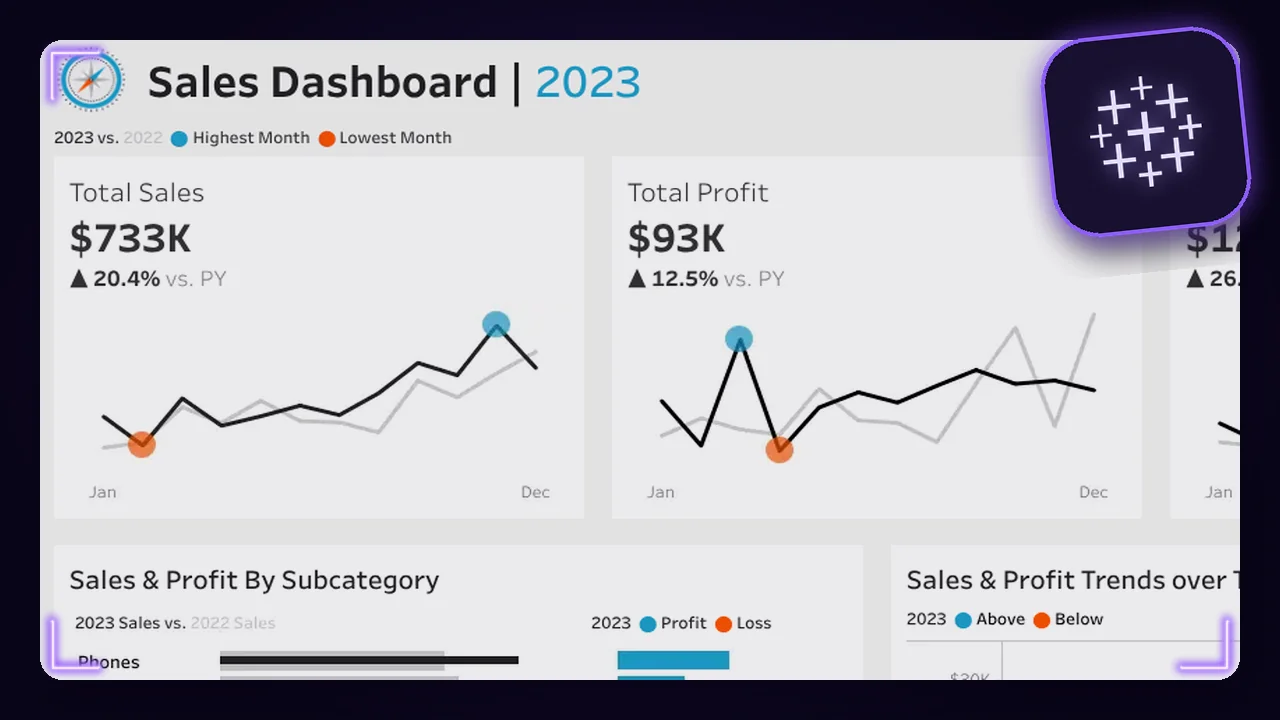
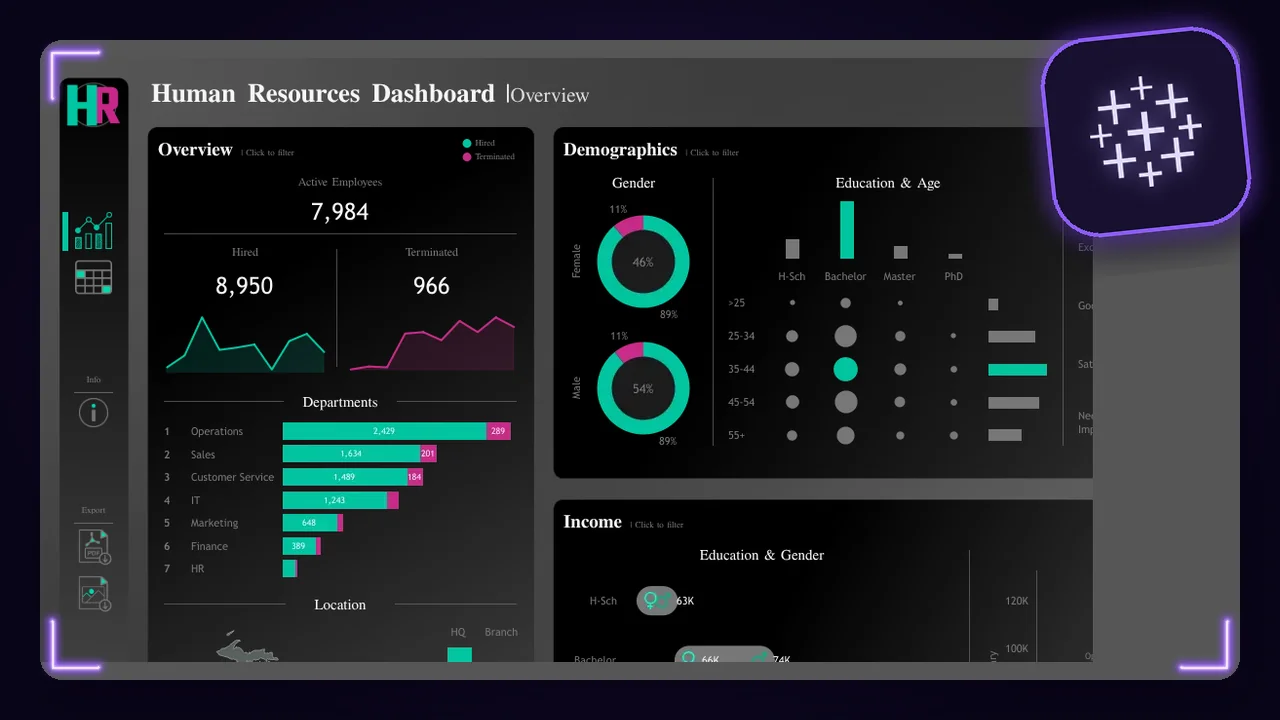
Everything the lessons use. The course data in two versions, the slides and cheat sheets as PDF, the finished workbook of every section and the two dashboard projects.
I use Google Analytics cookies to count visits and see which pages help you. The data may go to Google in the USA. It only runs if you allow it, and you can change this any time in Cookie settings.
150+ stars
Windows and Mac
8,400+ members

· 15,900+ students
Open Tableau's download page, fill in the short form and click Download the app. It is free: no trial, no card. The app is called Tableau Desktop Public Edition.
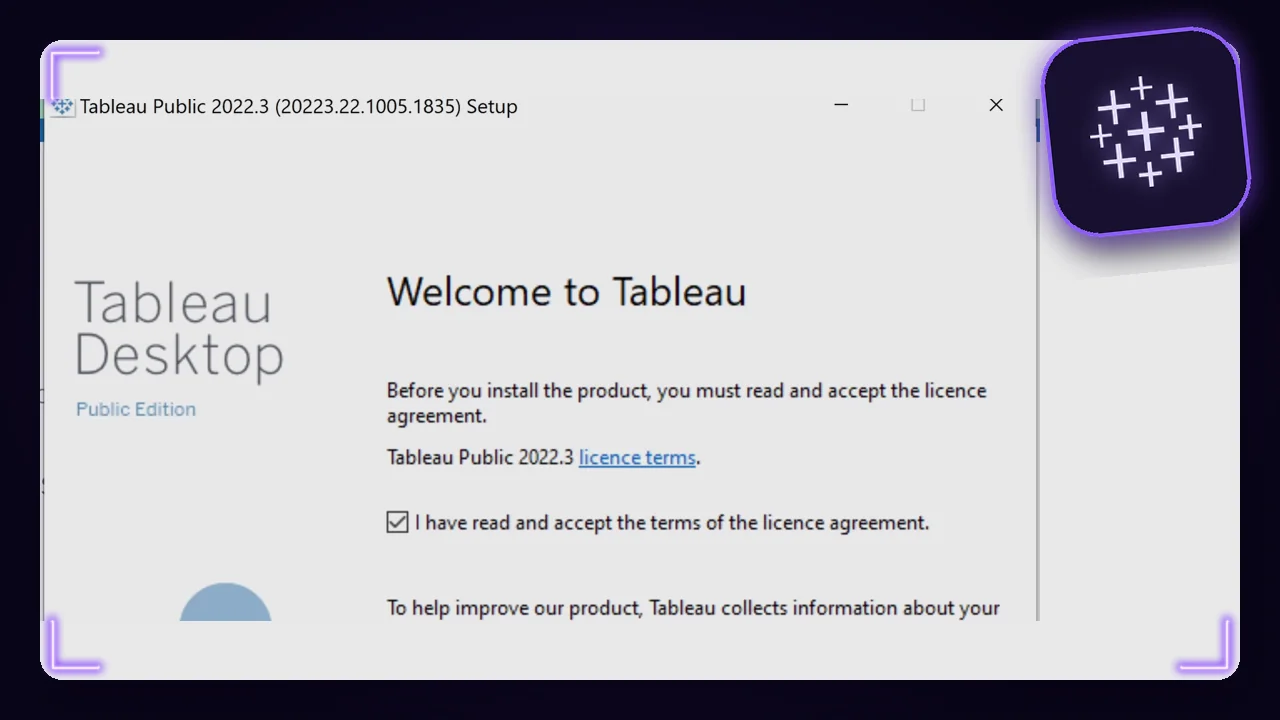
Open the downloaded file and follow the installer. Accept the licence terms and click Install.
Click Sign Up at the top right. Tableau asks you to sign in the first time you save to Tableau Public.
In Europe, take 01_datasets/. Everywhere else, take 01_datasets/.
Connect Orders.csv with Connect > Text file. The number fields, like Sales and Discount, must show the number icon #. If they show Abc, take the other folder.
Sales, Discount and Profit show Abc, or null after you change them to numbers
Take the other dataset folder. Or right-click the table on the data source page and pick Text File Properties. Set Locale to English (United States) for non-eu, or to your European language for eu.
The download asks for a 14-day trial
That is the paid Tableau. Use the free download of step 1.
The data source page keeps only one file
Connect the first file, then drag the others from the Files list on the left onto the canvas.
A workbook does not open: "created by a newer version"
Install the latest Tableau Public. The course workbooks need version 2024.1 or newer.
Field names in another language, like "Jaar van Order Date"
Help > Choose Language > English, then restart Tableau.
In the Maps lesson, Sales in USA Sales comes in as text
That is expected. The lesson changes it to a number, then to continuous and to a measure.
Everything the lessons use. The course data in two versions, the slides and cheat sheets as PDF, the finished workbook of every section and the two dashboard projects.
Yes. Use the files to learn and to build your own dashboards.
Tableau Public, free for Windows and Mac, and a free Tableau Public account. The setup guide on this page shows every step.
EU if you are in Europe, non-EU everywhere else. To be sure, connect Orders.csv in Tableau: Sales, Profit and Discount must show the green number icon. If they show Abc, take the other folder.
Not with the files. The Ultimate Tableau Mastery in the Academy comes with a certificate.

Join the academy to learn visually, build real projects, and grow into the data professional you want to become.
Join academy
Join 213,000+ curious readers learning to think like data experts. Get weekly lessons, stories, and frameworks from real projects.